Read aloud
The voice reads your text and highlights each word as it speaks, so you never lose your place. In 9 languages and at whatever speed you like.
LectO is a text editor that adapts to you: it reviews your writing, reads text aloud while highlighting each word, colors letters and much more.
No account, no install. Open it and go.

Every feature is built to make reading and writing kinder.
The voice reads your text and highlights each word as it speaks, so you never lose your place. In 9 languages and at whatever speed you like.
Switch to a font designed for dyslexia and give each letter a color to tell apart the ones that look alike. Try it here:
Place pictograms above words to reinforce their meaning. Great for early readers and for telling confusing words apart.
The sun,the
 houseandthe
 tree
tree
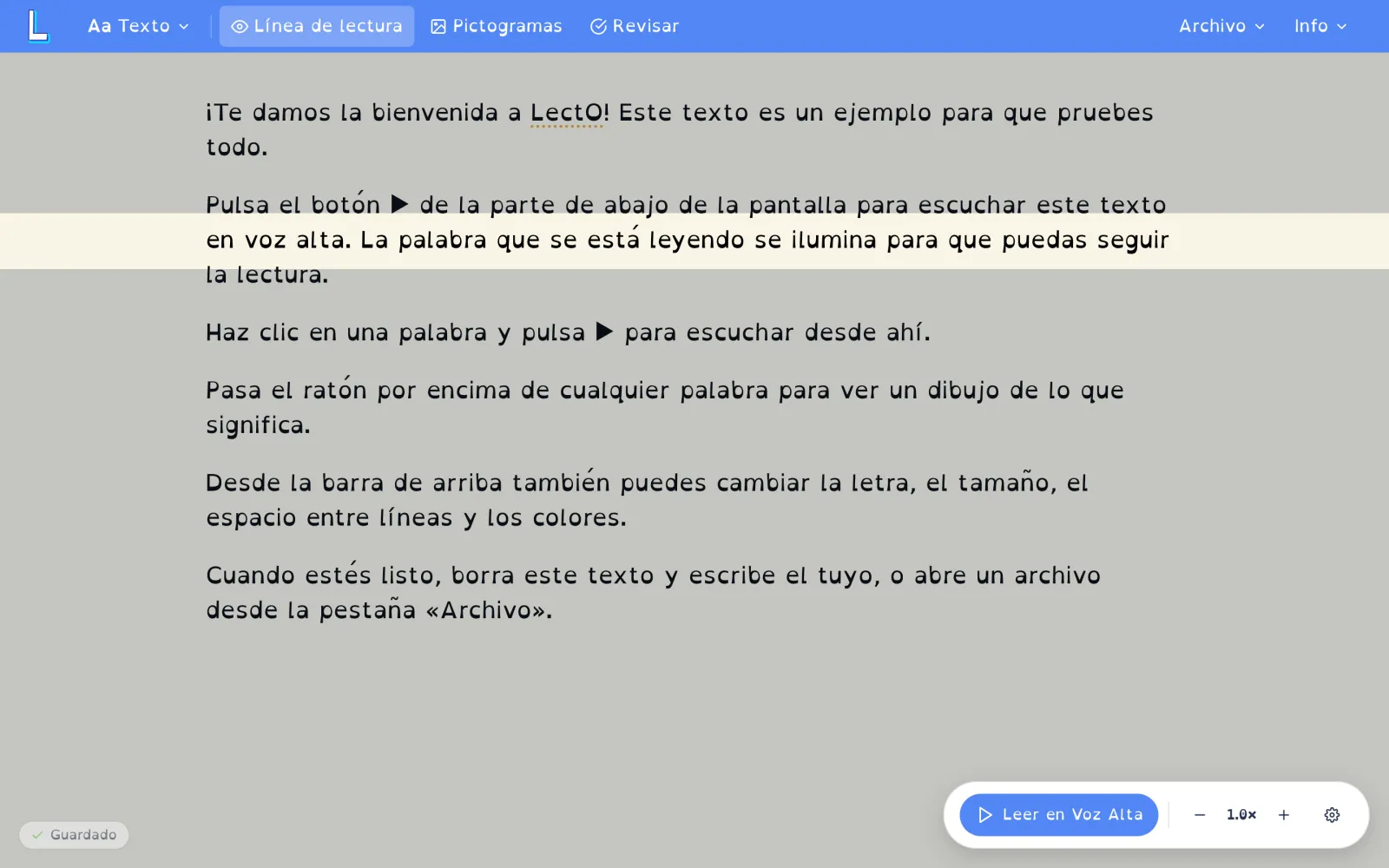
The focus line dims everything except the line you're reading, keeping your attention right where you need it.
A photo of a page or a book, a Word file, a PDF… LectO reads it and applies all its features: voice, colors, font and pictograms. Accessible reading, on everything you read.
So that reading and writing at home stops being a fight and becomes something calmer.
A free tool for the classroom and support sessions, with no licenses or hassle.
Write emails, study or read with support, at your own pace and privately.
No account, no install. Open LectO and start reading with all the adjustments you need.
Open LectONothing. LectO is completely free, with no ads and no paid tiers.
No. You open LectO in your browser and start writing instantly, no sign-up needed.
LectO is available in 9 languages: Spanish, English, Catalan, Galician, Basque, Italian, French, German and Portuguese. Read-aloud and review work in all of them.
Yes. Your documents are stored only on your device; they are never uploaded to a server and we don't need your data.
Yes. You can use LectO from the browser on any device, or install the Android app from Google Play.